
Workforce Dashboard
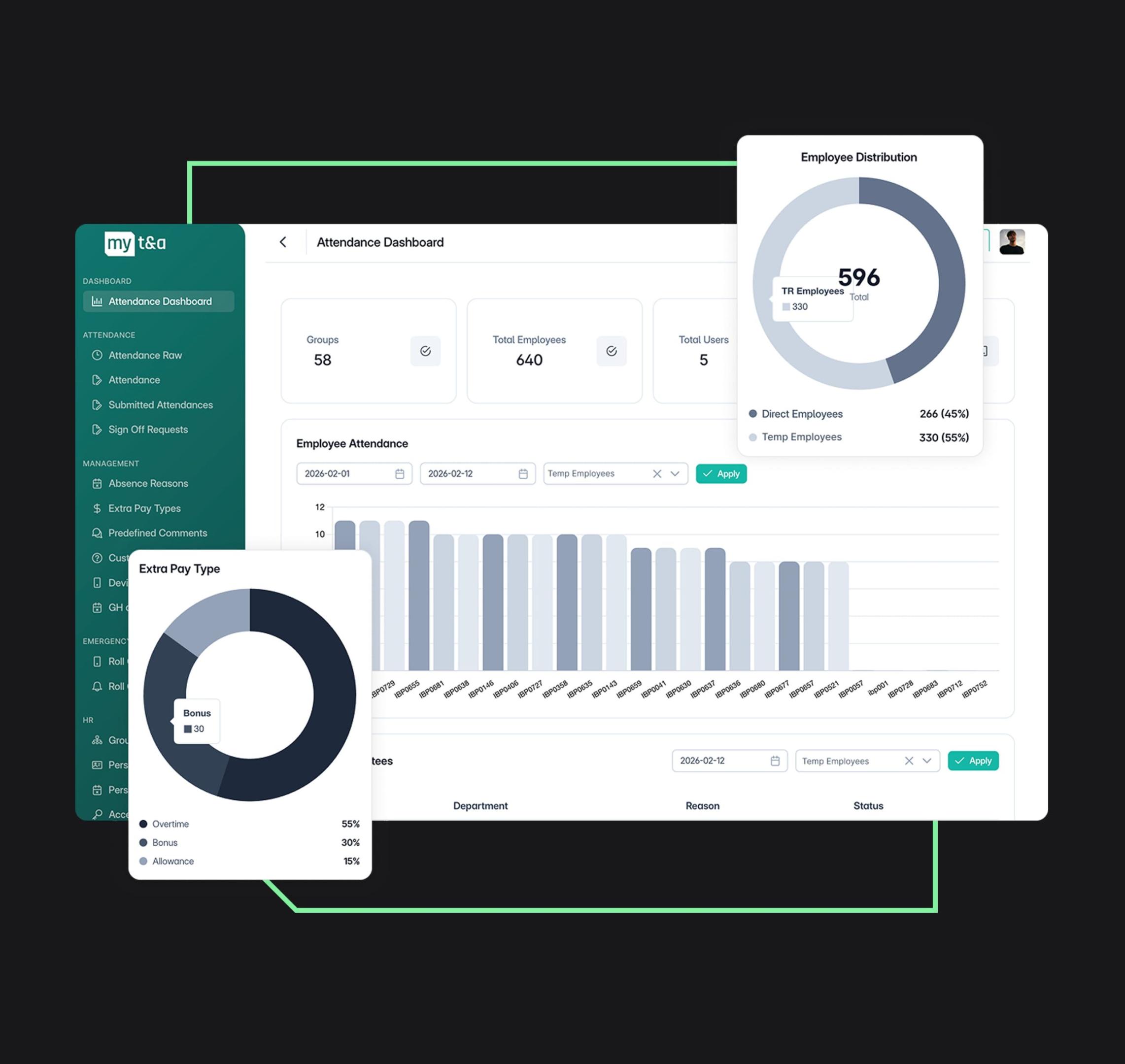
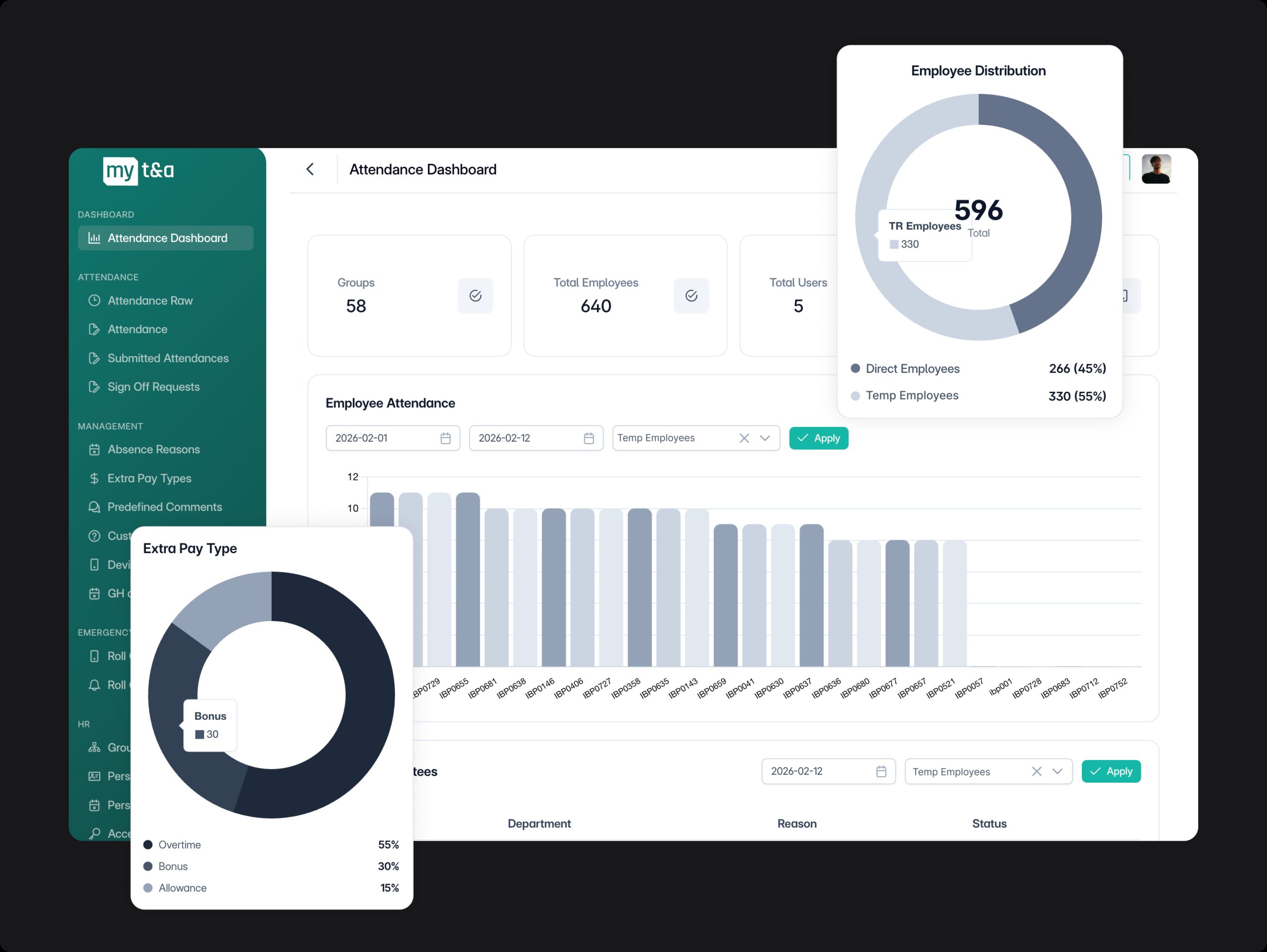
The MY-T&A dashboard provides a clear overview of workforce activity across your sites. Managers can quickly view attendance trends, active staff and operational insights to maintain full visibility of their workforce.
Attendance Verification
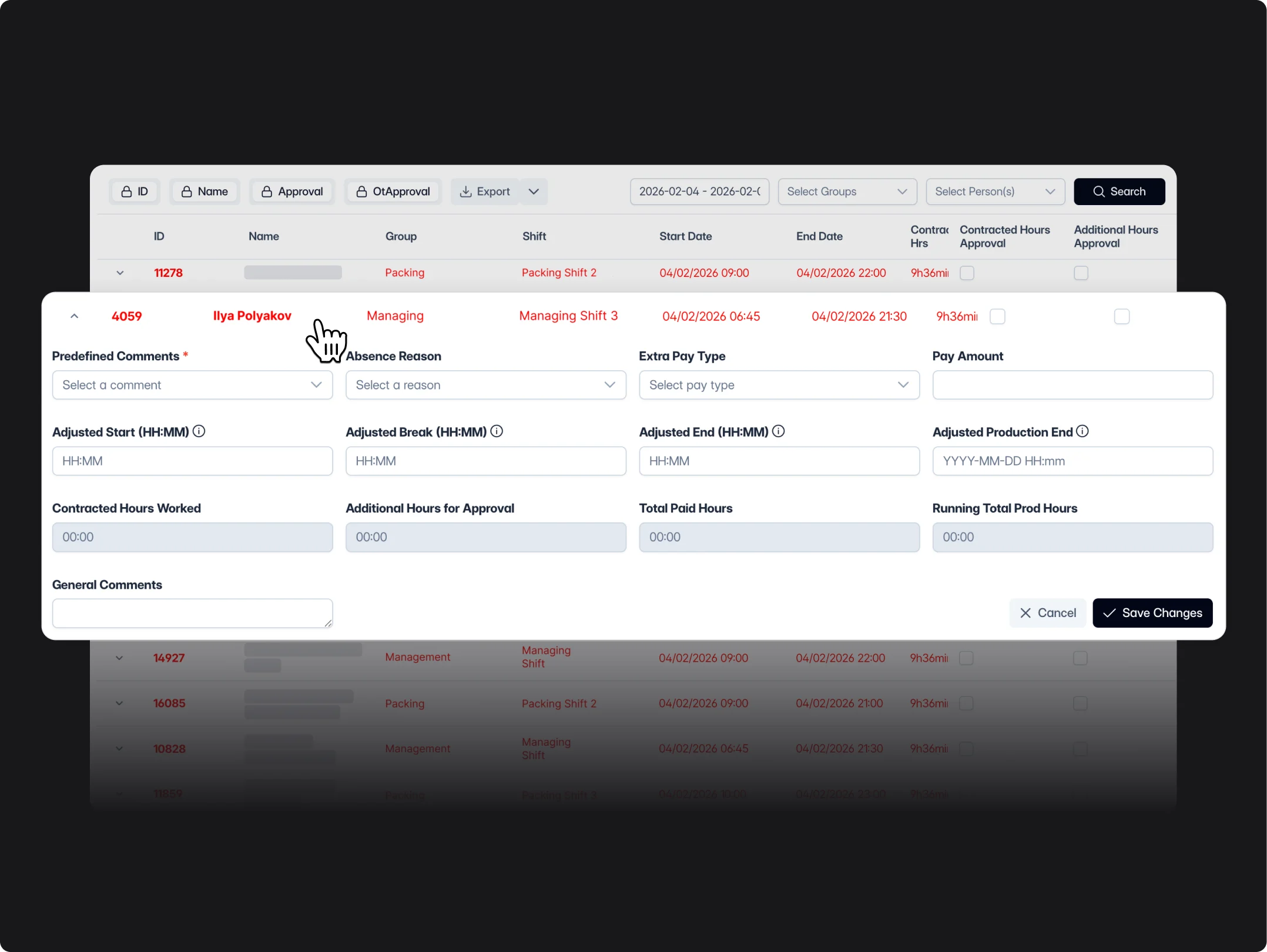
MY-T&A allows administrators to review and confirm submitted attendance records. This helps ensure timesheets remain accurate before being used for reporting or payroll processing.
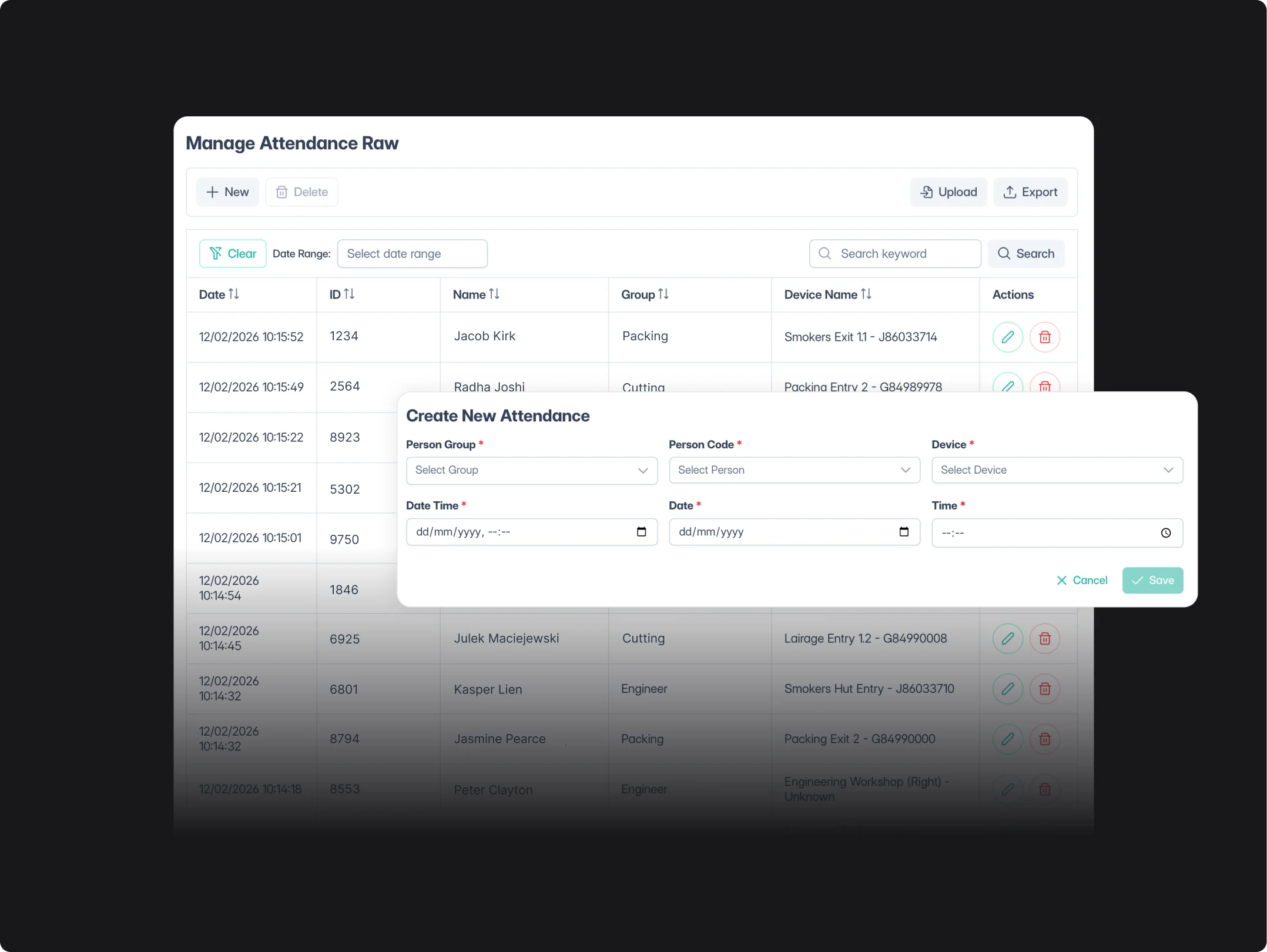
Detailed Attendance Logs
Every check-in and check-out is recorded automatically, creating a detailed log of staff activity. Managers can quickly review attendance data and identify patterns or discrepancies across shifts and locations.
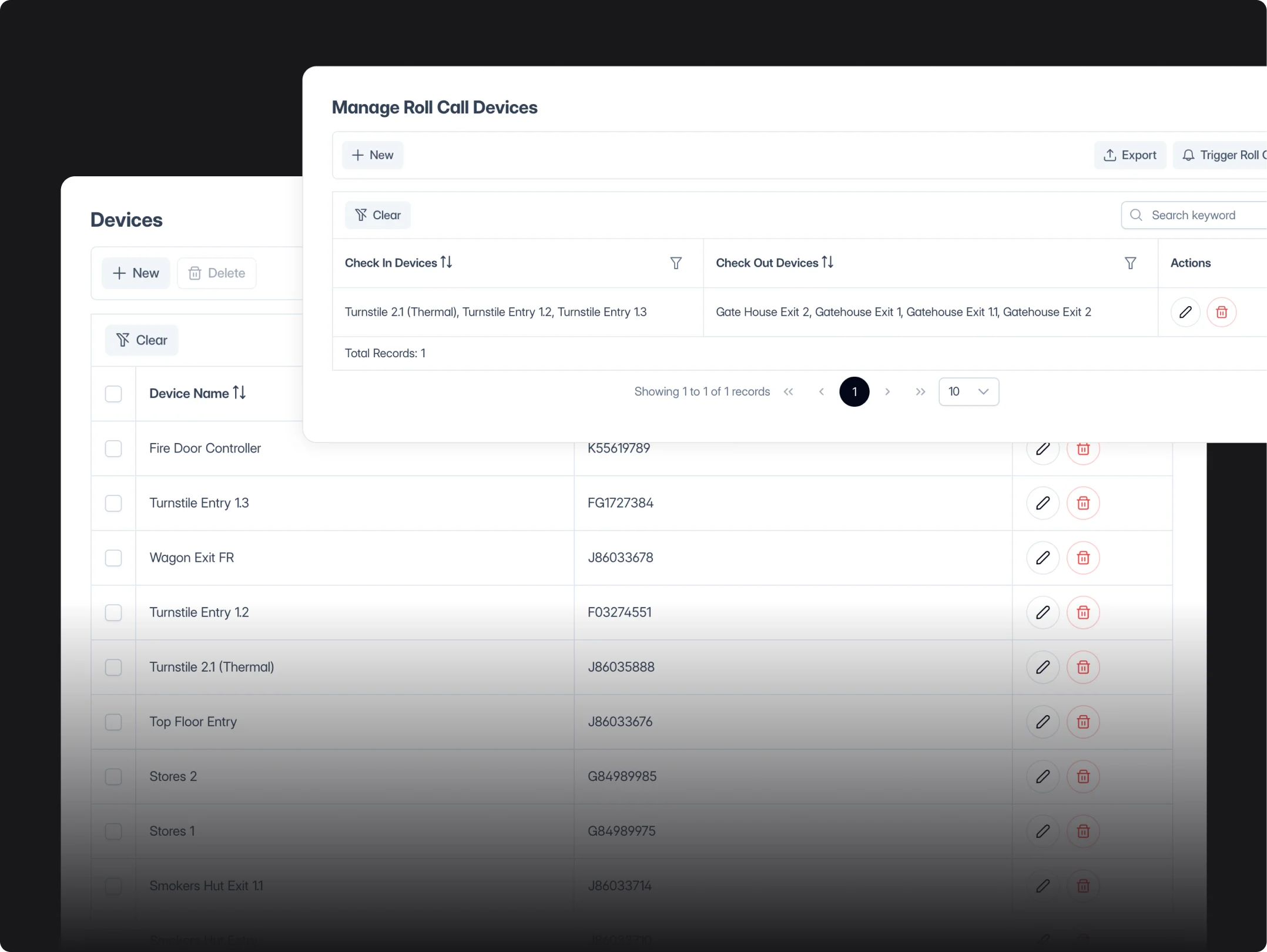
Device Management
MY-T&A connects to approved attendance devices such as facial recognition terminals or sign-in tablets. This allows staff to check in quickly while ensuring secure and reliable attendance tracking.
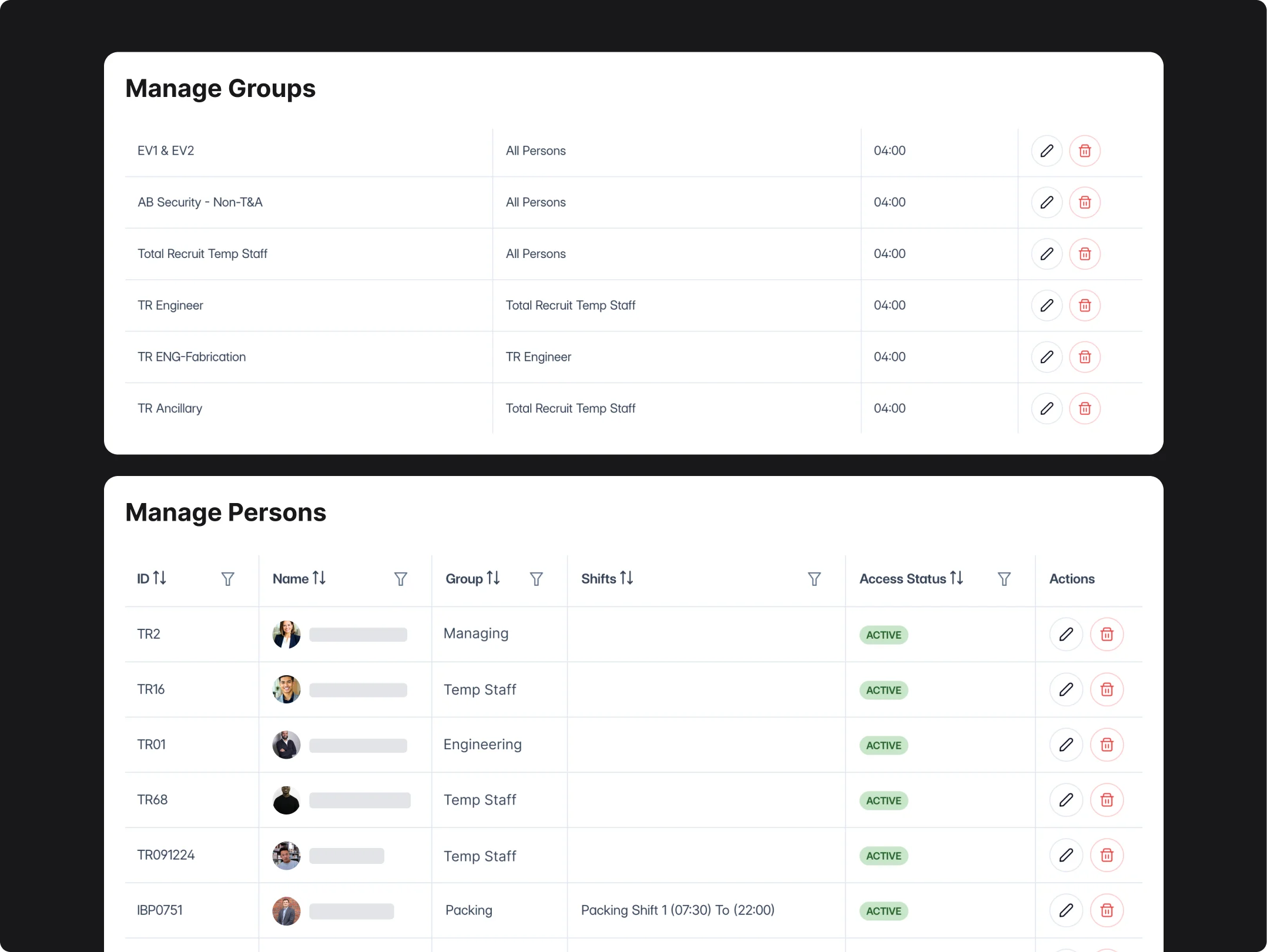
Team & Group Organisation
Organise employees into teams, departments or operational groups. This makes it easier to manage large workforces and track attendance across different roles or site areas.
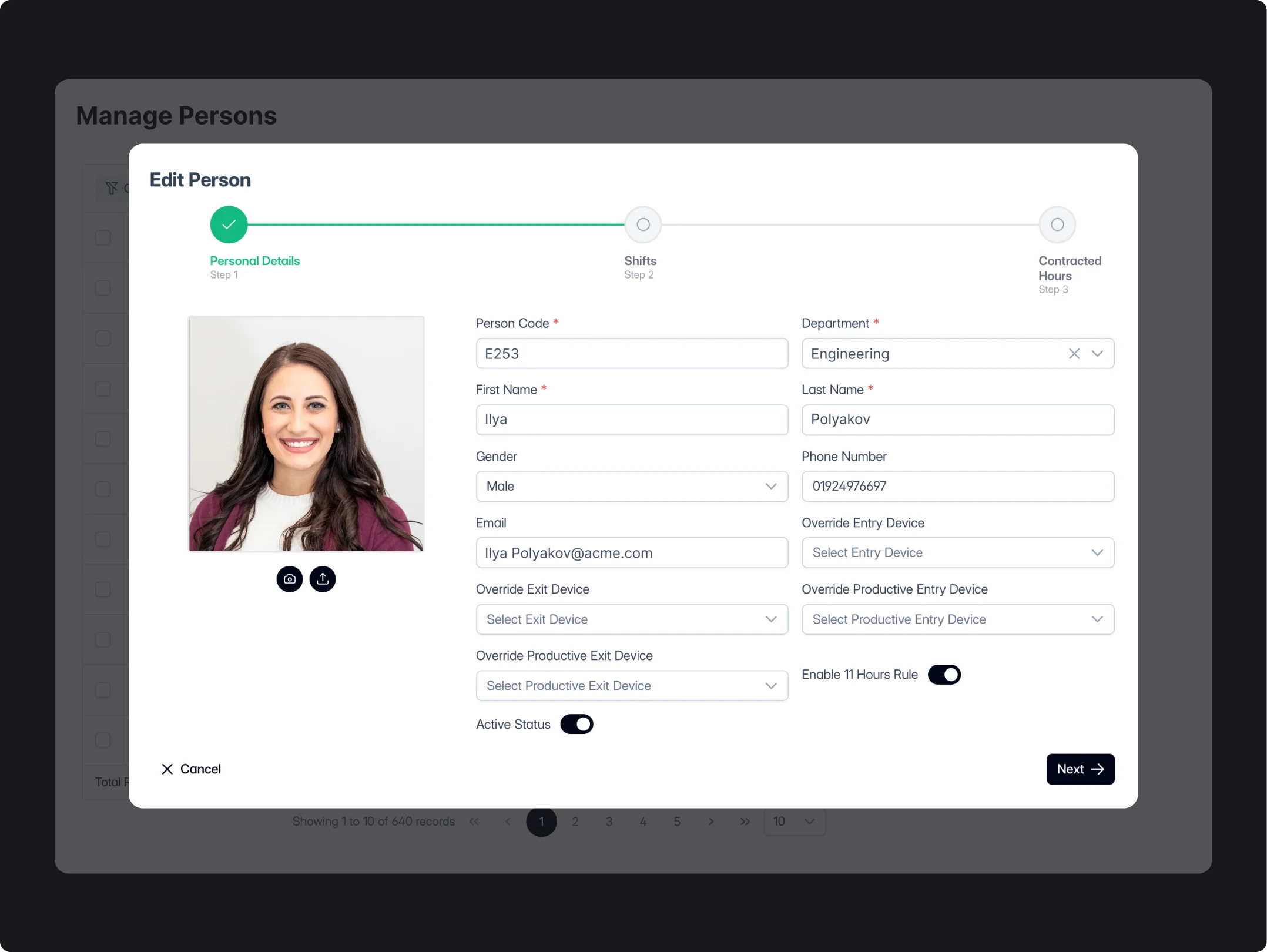
Employee Management
Each employee has a detailed profile containing their role, assigned team and attendance settings. Managers can update information quickly to keep workforce records accurate.
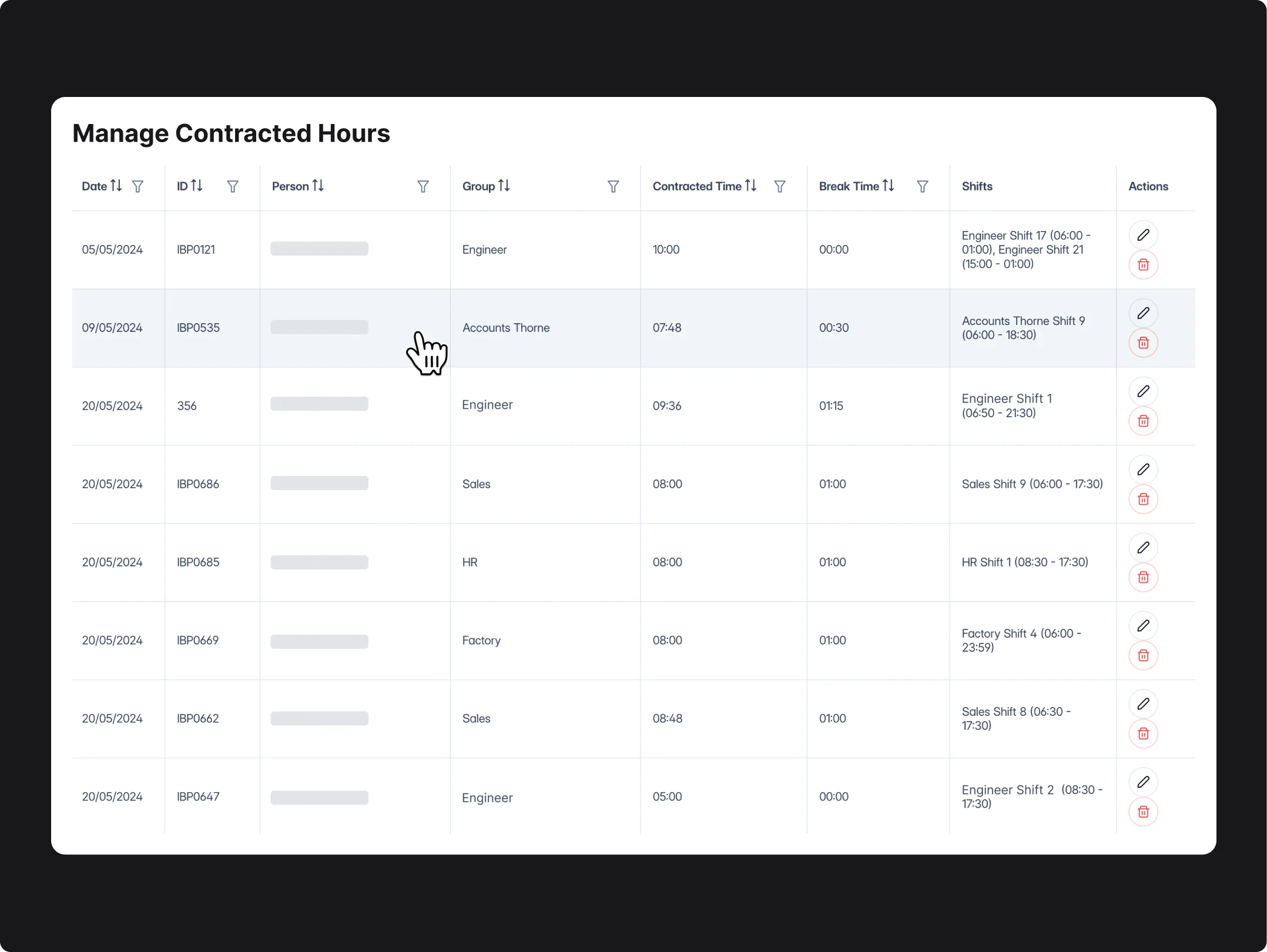
Contracted Hours Management
Set and manage contracted working hours for each employee. The system compares attendance records against expected hours to highlight overtime, shortages or scheduling discrepancies.
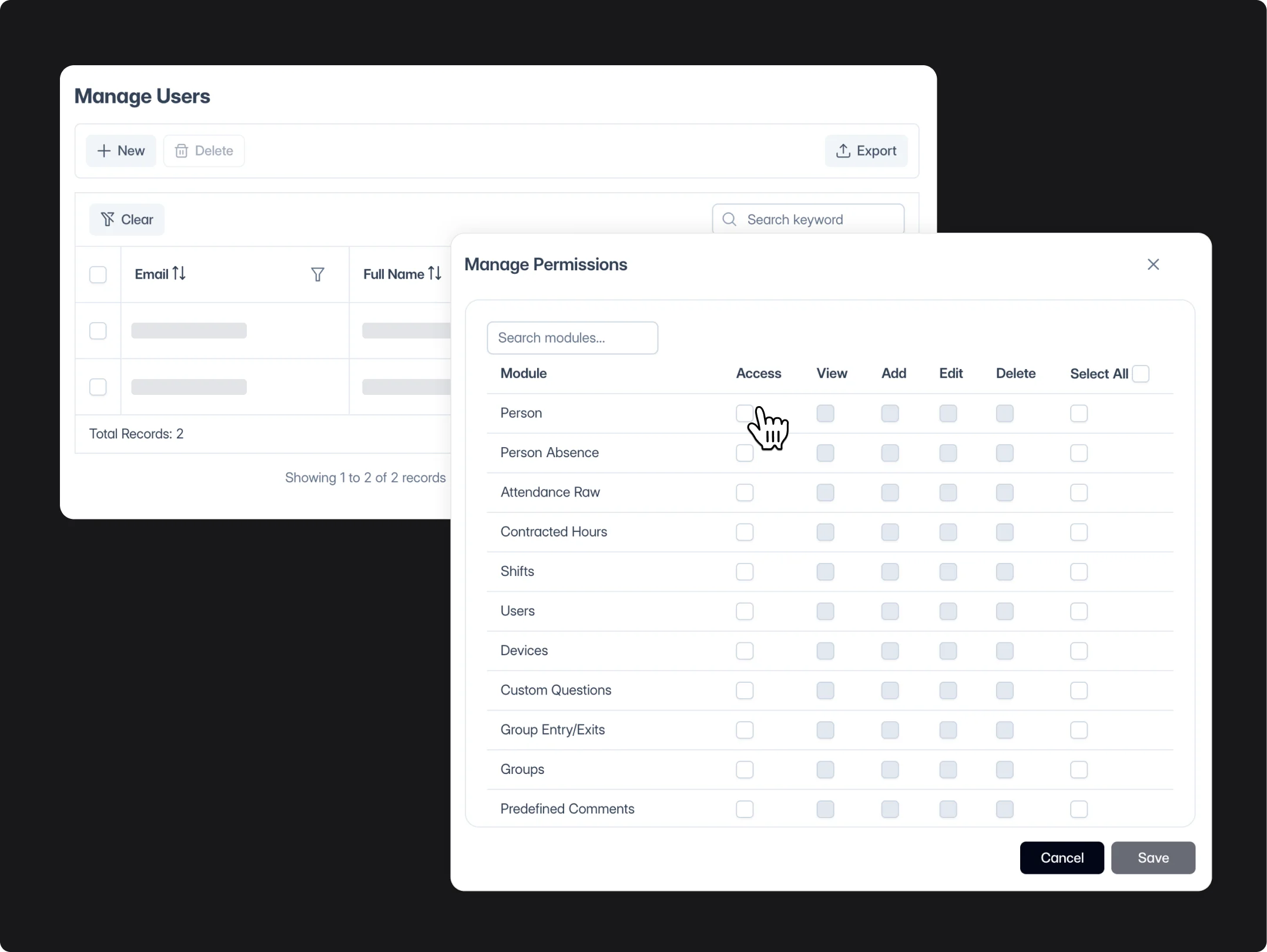
User & Permission Control
Administrators can manage system users and assign access permissions based on roles or responsibilities. This ensures the right staff have access to the correct information within the platform.